
There’s a difference between a computer breaking on a Saturday and a computer breaking on a Tuesday when you’ve got three client calls and a deadline at 5pm. For a lot of people working from home or running a small business around Raleigh, computer repair services aren’t just about fixing a machine — they’re about not losing a day, or a client, over it.
Most advice out there treats every broken laptop the same way, whether it belongs to someone who uses it for email and Netflix or someone whose entire income runs through it. This one’s written for the second group.
Table of Contents
- Why a Broken Computer Hits Different When It’s How You Make a Living
- The Kind of Problems That Actually Stall Work
- What to Expect From Computer Repair Services When You Can’t Afford Downtime
- Got More Than One Device? Handling Repairs for a Small Team
- What Happens to Your Work Files During a Repair
- Laptop Repair When Your Laptop Is Basically Your Office
- Finding Computer Repair Services in Raleigh That Get It
- FAQs
- Conclusion
Why a Broken Computer Hits Different When It’s How You Make a Living
If you freelance, run a small shop, or work remotely for a company based somewhere else entirely, your computer isn’t really a device, it’s the office. When it goes down, there’s no backup desk to sit at. That changes what actually matters when you’re looking for computer repair services: it’s not just “can they fix it,” it’s “how fast, and what happens to my work in the meantime.”
This is where a lot of generic repair advice falls short. It’s written for someone who can wait a week. Not everyone can.
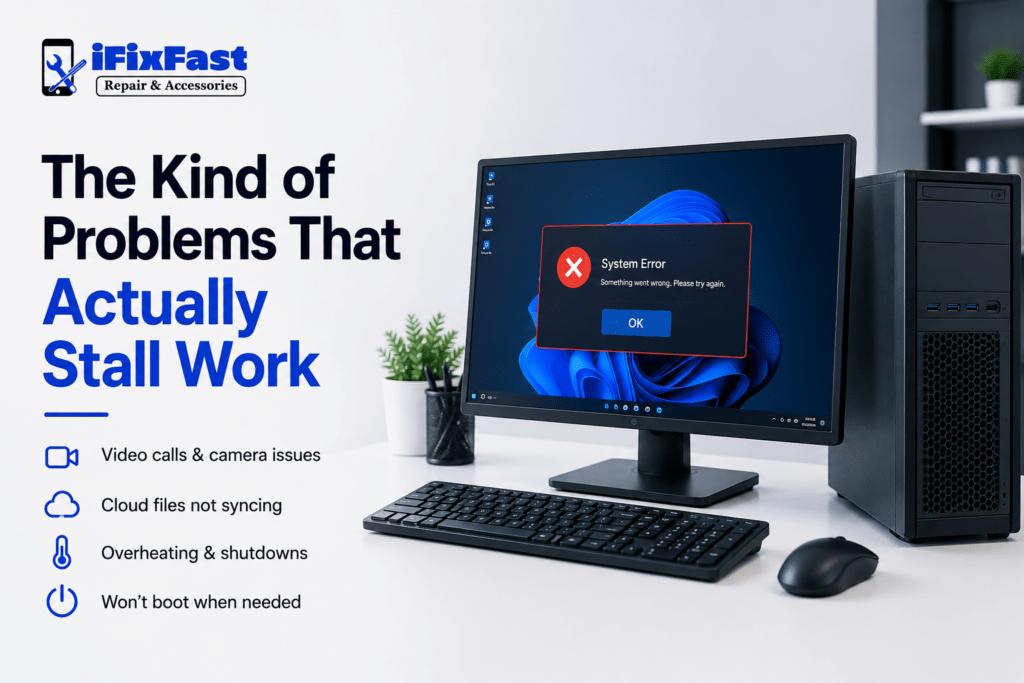
The Kind of Problems That Actually Stall Work
Some issues are annoying. Others actually stop you from working. A few that come up constantly for remote workers and small business owners:
- The laptop won’t connect to video calls, or the camera/mic randomly stops working
- Files aren’t syncing to cloud storage, and you’re not sure what’s actually saved
- The computer overheats and shuts off mid-task, usually at the worst moment
- A point-of-sale or invoicing system won’t load
- The battery dies within an hour, making it impossible to work outside the house
- The machine just won’t boot the morning of something important
None of these are exotic problems. They’re just the ones that hit hardest when there’s no slack in your schedule to absorb them.
What to Expect From Computer Repair Services When You Can’t Afford Downtime
When time actually matters, a few things separate a shop worth using from one that’ll leave you stuck:
- Same-day or next-day turnaround on common fixes. Battery swaps, charging port issues, and screen replacements shouldn’t take a week.
- Loaner options or priority service, if the shop offers them, for people who genuinely can’t be without a device.
- Clear communication, not radio silence for three days while you’re wondering if it’s ready.
- A shop that’s upfront about what’s actually fixable same-day versus what needs a part ordered — so you’re not blindsided.
A shop known for fast fix computer repair on the basics (screens, batteries, charging issues) is worth more to a freelancer than one that’s cheaper but takes a week either way.
Got More Than One Device? Handling Repairs for a Small Team
If you’re running even a small operation, two or three employees, a couple of shared laptops, a desktop at the front counter, repairs stop being a one-off errand and start being a logistics question. Sending devices out one at a time to different places wastes time you don’t have.
Look for computer repair services that are comfortable handling more than one device at once, keep track of what belongs to whom, and can give you a realistic timeline across the whole batch rather than repair-by-repair guesswork.
What Happens to Your Work Files During a Repair
This is the part people worry about and rarely ask out loud. If your laptop holds client contracts, financial records, or anything else you can’t afford to lose, it’s fair to ask direct questions before handing it over:
- Will data be backed up before any repair work starts?
- Does the technician need your login, or can certain repairs happen without it?
- What happens to the old drive if it’s being replaced?
A shop that answers these clearly, without getting defensive, is generally one that’s used to working with business and freelance clients, not just casual repairs.
Laptop Repair When Your Laptop Is Basically Your Office
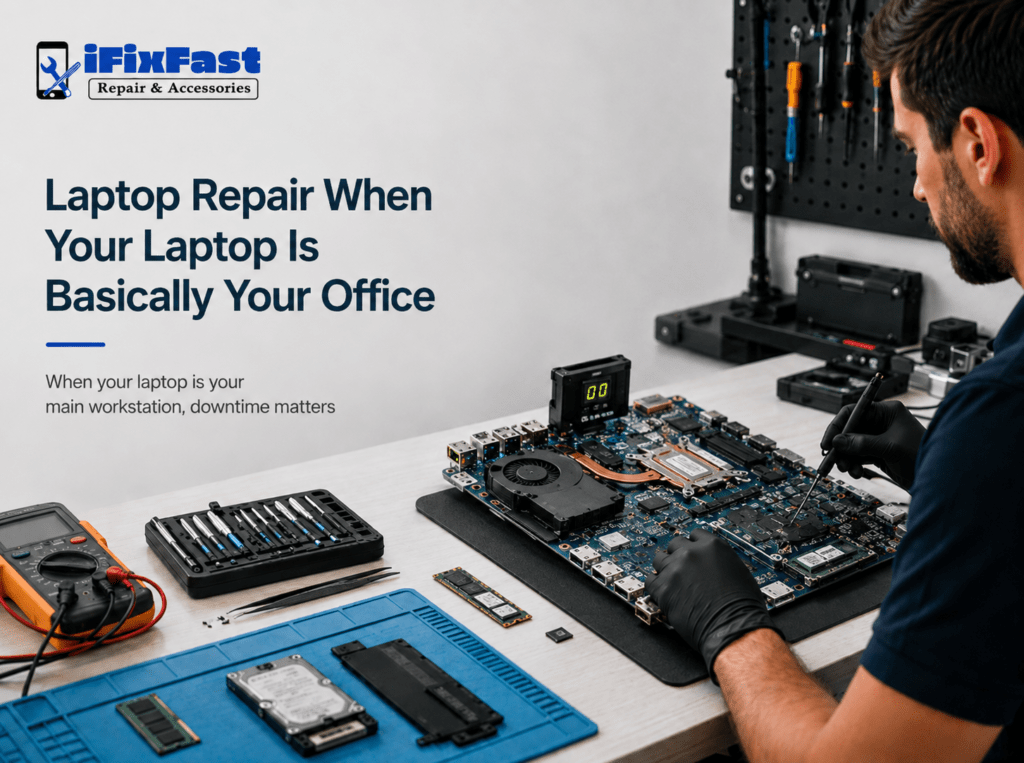
For remote workers specifically, laptop repair carries a different weight than it does for someone with a backup desktop at home. There’s no second machine to fall back on while it’s in the shop, which is exactly why people search for laptop repair near me instead of just picking whatever’s cheapest online.
If that’s your situation, it’s worth asking directly whether same-day service is realistic for your specific issue, rather than assuming every shop operates on the same timeline.
Finding Computer Repair Services in Raleigh That Get It
Not every shop is built around this kind of urgency, and that’s fine for a lot of customers but if your income depends on the machine, it’s worth asking directly whether same-day turnaround is realistic before you drop it off. Local options like iFixFast Repair & Accessories in Raleigh work with walk-in customers who need common repairs handled quickly, which tends to matter more to freelancers and small businesses than it does to someone who’s simply misplaced their charger.
Whether you’re searching for computer repair Raleigh nc for the first time or you’ve been putting off a fix for weeks, the questions worth asking stay the same: how fast, what happens to your data, and can they actually handle it today.
FAQs
1. Can computer repair services fix my laptop the same day?
Common issues like batteries, charging ports, and screens are often same-day. Anything requiring an ordered part will take longer.
2. What should I back up before dropping off a work laptop?
Client files, financial records, and anything irreplaceable — ideally before the repair, if the device still boots.
3. Do repair shops handle multiple devices for small businesses?
Many do, though it’s worth confirming ahead of time so they can plan for it rather than treating it as a surprise.
4. Is it safe to send a laptop with sensitive work files for repair?
A reputable shop will explain their data-handling process clearly and shouldn’t need full access for basic hardware repairs.
5. What’s the fastest way to get computer repair near me without losing a workday?
Call ahead, describe the issue, and ask directly about same-day turnaround before dropping the device off.
6. Should freelancers keep a backup device on hand?
It’s not required, but for anyone whose income depends entirely on one machine, it can prevent a repair from turning into a lost week of work.
Conclusion
A broken laptop is inconvenient for most people. For freelancers, remote workers, and small business owners, it can mean lost income, missed deadlines, or an anxious client wondering why you’ve gone quiet. Choosing computer repair services with that reality in mind, fast turnaround, clear communication, and honest answers about your data makes the difference between a rough afternoon and a rough week.